
Computer Data Switches
Catalog Filters
2 items
Sort Most relevant
Need Help Choosing the Right Product?
Send us your model number, part number, or hardware requirements and our product specialists will help verify compatibility and available options.
-
IN STOCK TK-U404
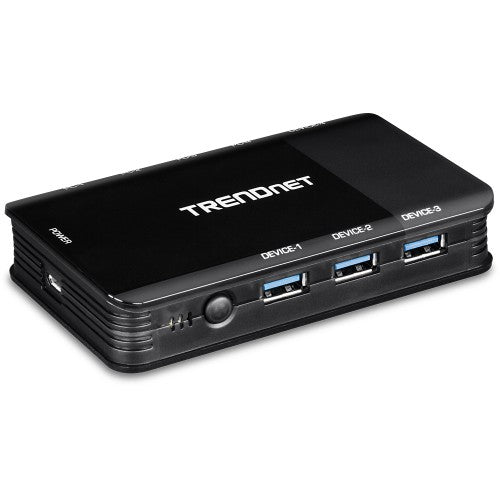
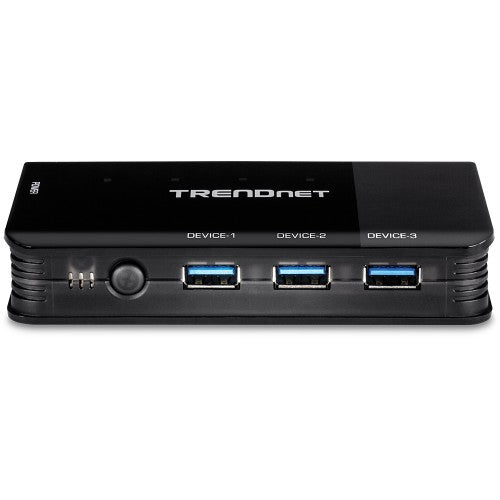
Trendnet
Trendnet TK-U404 computer data switch
USB 3.1, Micro USB, 117x71x22 mmKey Features Simple setup...
-
IN STOCK HBS304A24A
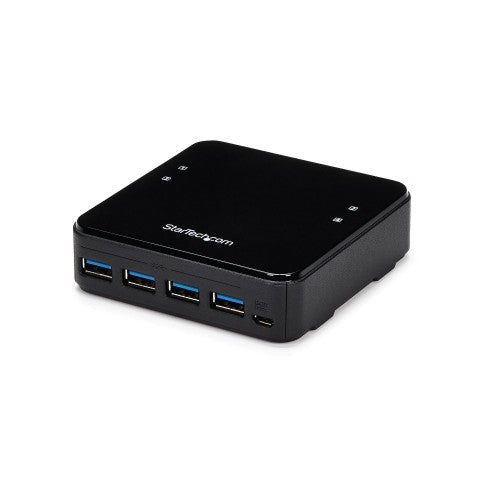
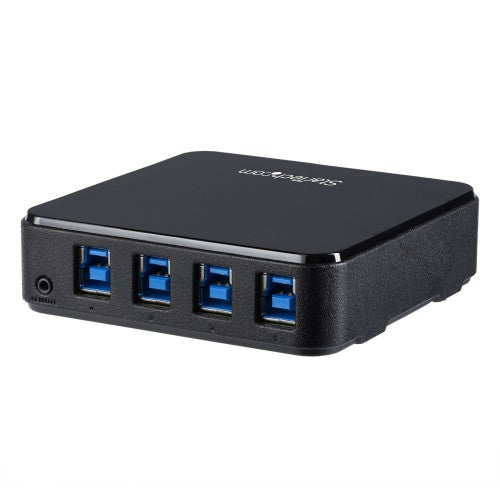
StarTech.com
StarTech.com HBS304A24A computer data switch
StarTech USB 3.0 Peripheral Sharing Switch - 4 USB...
Ordering 10+ Hardware Units or Planning a Larger Deployment?
Skip individual product searches. Submit your Bill of Materials (BOM), part numbers, or hardware requirements and our procurement team will review availability, volume pricing, compatible options, and delivery requirements.
✔
Dedicated Procurement Specialist
✔
Purchase Order Support
✔
Volume Pricing for Qualified Orders
Support & Policies
Frequently asked questions
Clear answers regarding procurement, billing, payment methods, warranties, and enterprise logistics.
Need immediate assistance?
Our sales engineering and accounts team is available Monday through Friday, 9:00 AM to 6:00 PM ET.
Call (315) 930-4535
A small box that connects USB devices to one computer at a time and lets you switch between computers with a button.
No. A USB switch shares USB devices only. A KVM switch also shares the monitor.
Yes, if the printer is on your network. A data switch helps when the printer only has a USB connection.
Before placing a volume order, confirm the required specifications, compatibility with your existing environment, quantities, delivery schedule, warranty requirements, and any deployment or asset-tagging needs. For a multi-item purchase, prepare a model list or bill of materials (BOM) and request a quote.
Yes. Business buyers can prepare a list of the required models and quantities, including any required accessories or compatibility constraints, and submit it as a quote request. For larger or mixed-product orders, include a bill of materials (BOM) so the request can be reviewed as a complete requirement. Please confirm availability, pricing, and lead times with Buy IT Solutions before purchase.
Define a standard specification for each user role, including processor, memory, storage, operating system, ports, security and manageability requirements. Check software and peripheral compatibility, warranty coverage, and lifecycle needs before selecting a model. For rollout planning, provide quantities and any configuration or asset-tagging requirements with the quote request.
Popular Queries
Samsung QM43B-T signage display Digital signage flat panel 43" LED Wi-Fi 500 cd/m² 4K Ultra HD Black Touchscreen Built-in processor Tizen 6.5 24/7
Jabra Speak2 75
NETGEAR CM3000 modem
LG 43UL3Q-E signage display Digital signage flat panel 43" LED Wi-Fi 350 cd/m² 4K Ultra HD Black WebOS 16/7
Sony BZ30P Digital signage flat panel 75" LED 400 cd/m² 4K Ultra HD Black Built-in processor Android 24/7
LG 55UL5Q-M signage display Digital signage flat panel 55" LED Wi-Fi 500 cd/m² 4K Ultra HD Black WebOS 24/7
Sharp LM431 Interactive flat panel 43" LED Wi-Fi 500 cd/m² 4K Ultra HD Black Touchscreen Built-in processor Android 14 18/7
LG 55XS4P signage display Digital signage flat panel 55" LED 4000 cd/m² Full HD Black WebOS 24/7
HPE ProLiant DL380 Gen11 5416S 2.0GHz 16c 1P 2x32GB-R 8SFF MR416i-o 2x960GB SSD 2x1000W PS NA Server
APC SRTL5KRM2UT uninterruptible power supply (UPS) Double-conversion (Online) 4.9 kVA 4900 W 4 AC outlet(s)
AddOn Networks NTK587EC-AO network transceiver module Fiber optic XFP
AddOn Networks WSP-Q40GLR4L-AO network transceiver module Fiber optic 40000 Mbit/s QSFP+
AddOn Networks NTK587HC-AO network transceiver module Fiber optic XFP 1558.17 nm
AddOn Networks XFP-7D-49-AO network transceiver module Fiber optic 10000 Mbit/s 1538.19 nm
AddOn Networks 1003-4741-AO network transceiver module Fiber optic 10000 Mbit/s XFP 1546.92 nm
View all →


