
Televisions
Catalog Filters
27 items
Sort Most relevant
Need Help Choosing the Right Product?
Send us your model number, part number, or hardware requirements and our product specialists will help verify compatibility and available options.
-
IN STOCK FPWARTB2
StarTech.com
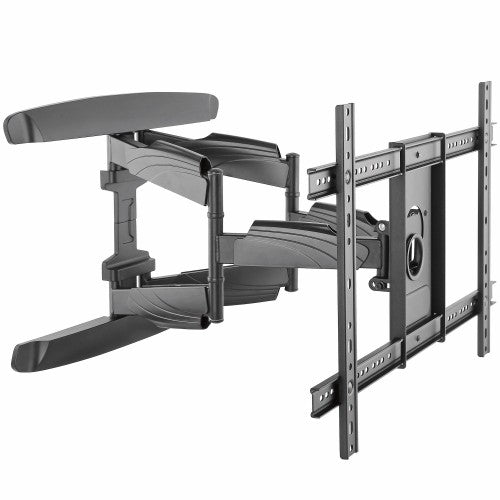
StarTech.com FPWARTB2 TV mount/stand 70" Black
StarTech TV Wall Mount supports up to 70 inch...
-
IN STOCK DWM3770X
Tripp Lite
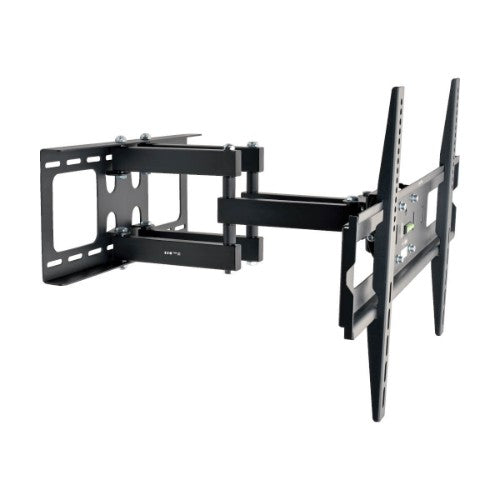
Tripp Lite DWM3770X TV mount/stand 70" Black
Swivel/Tilt Wall Mount for 37" to 70" TVs and...
-
IN STOCK DWM60100XX
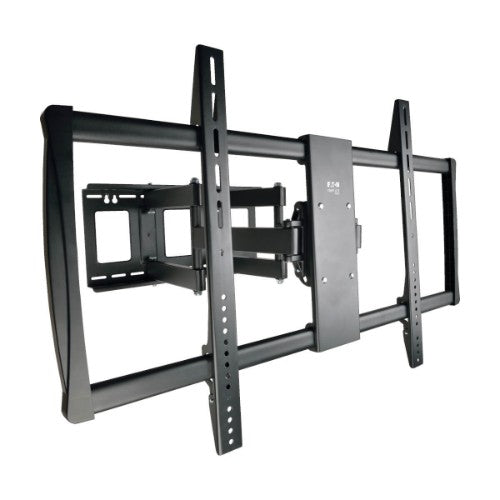
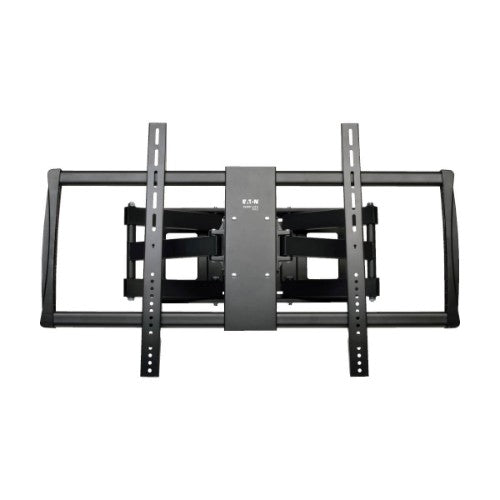
Tripp Lite
Tripp Lite DWM60100XX TV mount/stand 100" Black
Swivel/Tilt Wall Mount for 60" to 100" TVs and...
Ordering 10+ Hardware Units or Planning a Larger Deployment?
Skip individual product searches. Submit your Bill of Materials (BOM), part numbers, or hardware requirements and our procurement team will review availability, volume pricing, compatible options, and delivery requirements.
✔
Dedicated Procurement Specialist
✔
Purchase Order Support
✔
Volume Pricing for Qualified Orders
Support & Policies
Frequently asked questions
Clear answers regarding procurement, billing, payment methods, warranties, and enterprise logistics.
Need immediate assistance?
Our sales engineering and accounts team is available Monday through Friday, 9:00 AM to 6:00 PM ET.
Call (315) 930-4535
A common rule is a screen size of about half to two-thirds of your viewing distance. Sitting 8 feet away, a 55 to 65-inch TV works well.
OLED gives deeper blacks and better contrast. LED and QLED get brighter, hold up well in bright rooms and usually cost less at larger sizes.
A TV designed for offices and shared spaces. It runs longer each day than a home TV and lets staff lock settings so the screen stays on the right input.
For light use, like a break room, yes. For long daily hours or public spaces, choose a business, commercial or hospitality display, since consumer warranties often exclude business use.
Before placing a volume order, confirm the required specifications, compatibility with your existing environment, quantities, delivery schedule, warranty requirements, and any deployment or asset-tagging needs. For a multi-item purchase, prepare a model list or bill of materials (BOM) and request a quote.
Yes. Business buyers can prepare a list of the required models and quantities, including any required accessories or compatibility constraints, and submit it as a quote request. For larger or mixed-product orders, include a bill of materials (BOM) so the request can be reviewed as a complete requirement. Please confirm availability, pricing, and lead times with Buy IT Solutions before purchase.
Confirm the exact model and specifications, compatibility with the organization's existing devices and workflows, required accessories, warranty expectations, quantity, and delivery schedule. For larger orders, share a model list or BOM and ask for confirmation of availability and lead times before issuing a purchase order.
Popular Queries
Samsung QM43B-T signage display Digital signage flat panel 43" LED Wi-Fi 500 cd/m² 4K Ultra HD Black Touchscreen Built-in processor Tizen 6.5 24/7
Jabra Speak2 75
NETGEAR CM3000 modem
LG 43UL3Q-E signage display Digital signage flat panel 43" LED Wi-Fi 350 cd/m² 4K Ultra HD Black WebOS 16/7
Sony BZ30P Digital signage flat panel 75" LED 400 cd/m² 4K Ultra HD Black Built-in processor Android 24/7
LG 55UL5Q-M signage display Digital signage flat panel 55" LED Wi-Fi 500 cd/m² 4K Ultra HD Black WebOS 24/7
Sharp LM431 Interactive flat panel 43" LED Wi-Fi 500 cd/m² 4K Ultra HD Black Touchscreen Built-in processor Android 14 18/7
LG 55XS4P signage display Digital signage flat panel 55" LED 4000 cd/m² Full HD Black WebOS 24/7
HPE ProLiant DL380 Gen11 5416S 2.0GHz 16c 1P 2x32GB-R 8SFF MR416i-o 2x960GB SSD 2x1000W PS NA Server
APC SRTL5KRM2UT uninterruptible power supply (UPS) Double-conversion (Online) 4.9 kVA 4900 W 4 AC outlet(s)
StarTech.com ST10GSPEXNDP2 network card Internal Ethernet 10000 Mbit/s
StarTech.com SFP-10G-LR-40-ST network transceiver module Fiber optic 10000 Mbit/s SFP+ 1310 nm
HP Poly Studio V72 USB Video Bar
HP Poly Studio V12 USB Video Bar No Power Supply
Ubiquiti U7 Pro XG Wall 5800 Mbit/s White Power over Ethernet (PoE)
View all →


